Understory
An experimental note-taking app for the Mac.
Understory is a minimalist Zettelkasten-style notes tool built around a small set of unconventional choices: no files, no titles, free-floating notes, transclusion-by-default, and a single browser-style search bar. I’m still working on it and experimenting with it but I’m excited enough to share some details about it so far. - Allen, 2026/04/27

How it works
My apologies for the massive brain dump below, but Understory has a lot of unique pieces that I’m still figuring out how to explain. This is the easiest way to communicate its internals for now.
Notes
- A note is the atomic unit. It has a body of text and a unique alias (e.g.
Note.41ebd0940). - There are no titles, no folders, and notes are NOT represented as individual files on disk. This is by design to help eliminate the friction when creating a new note to jot down an idea.
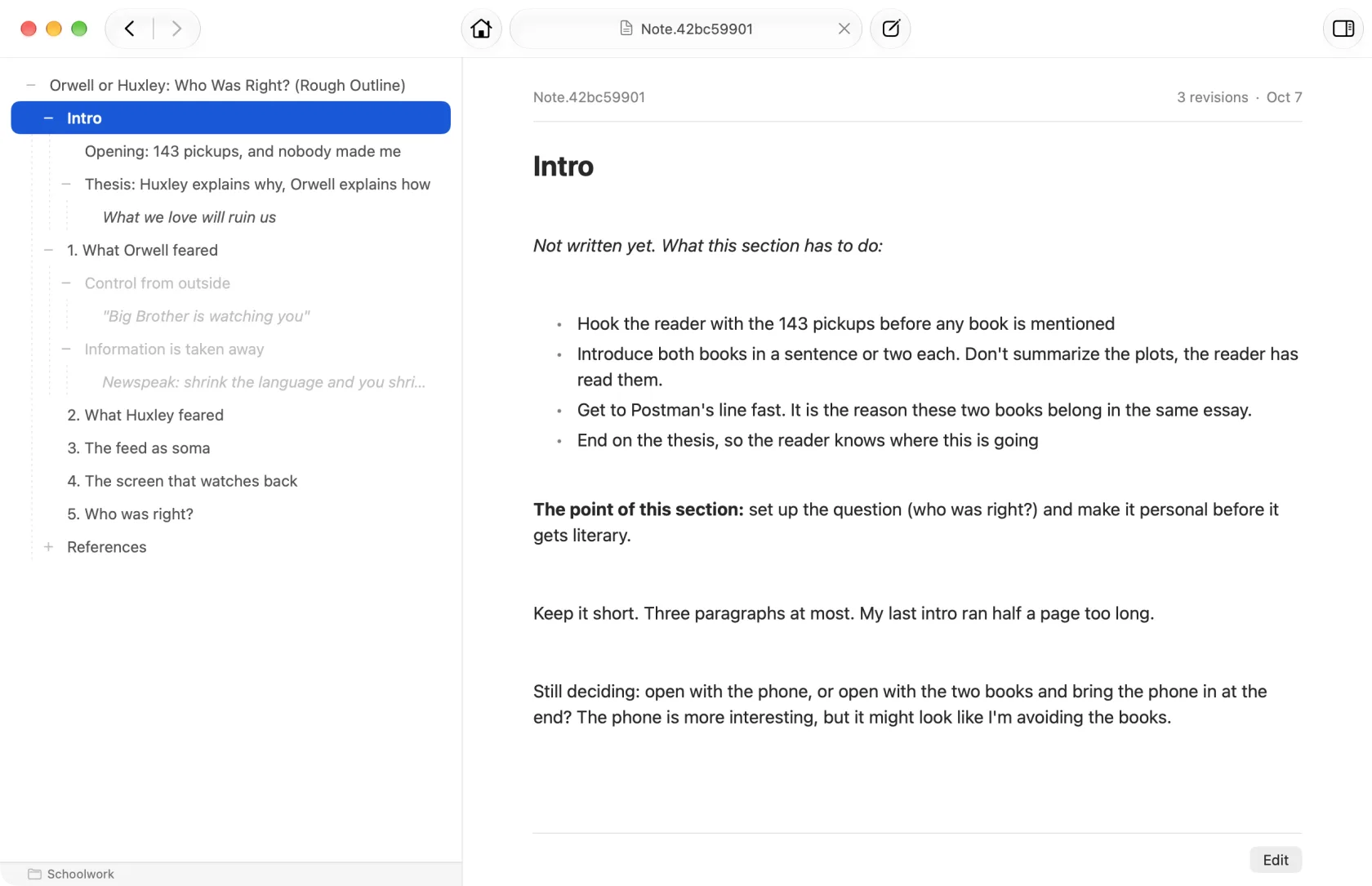
- A note exists in the corpus the moment it’s created. It doesn’t need to be placed anywhere (no folders, nor outline trees).
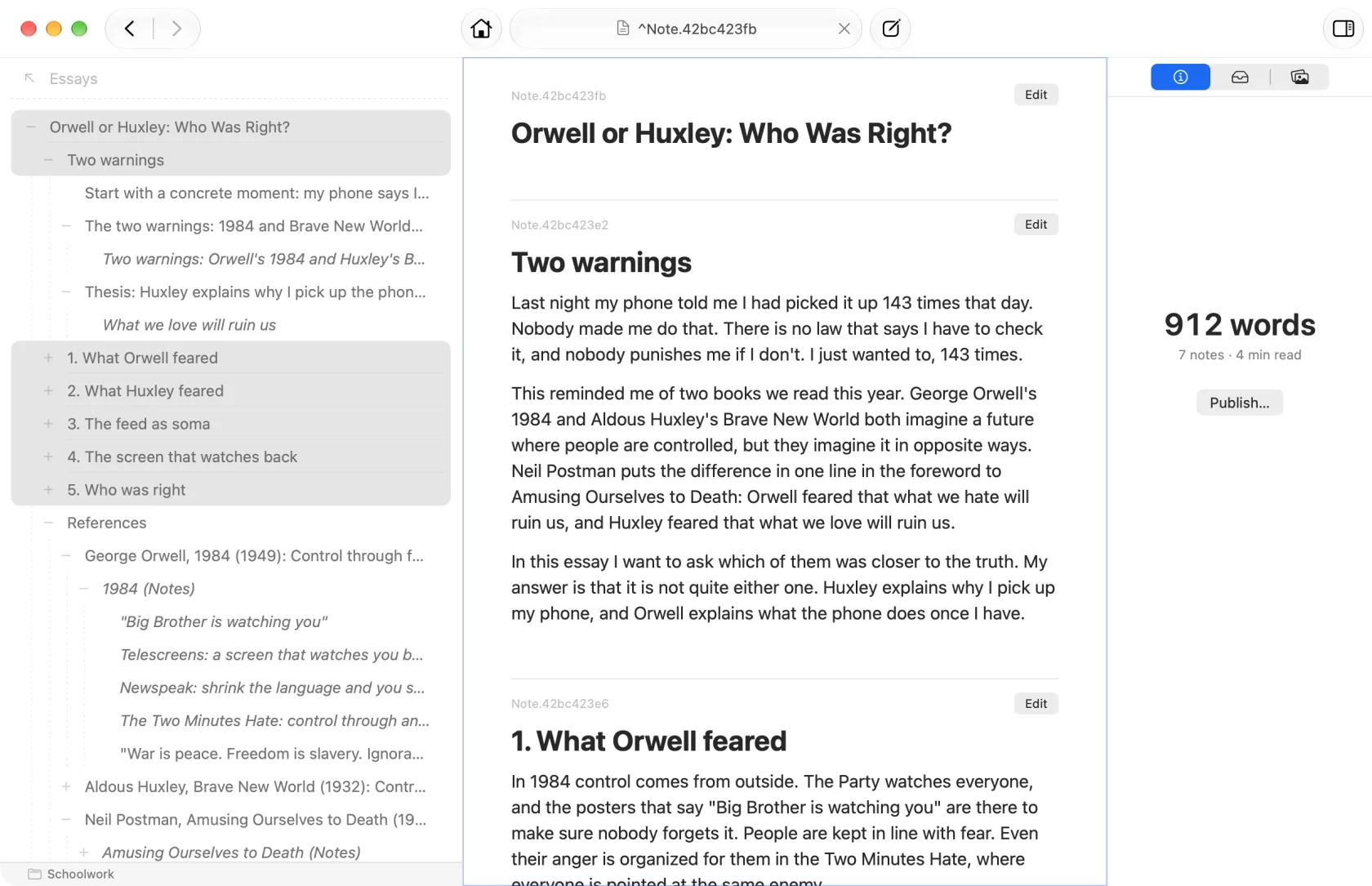
- Think of each note as an individual tree in a large forest. They are intentionally individual units that stand on their own, but the app offers ways to collect and order them while keeping them in place.
Storage
- Notes are stored in a local database on your Mac and synced across your devices via iCloud.
- The corpus can be exported at any time as an archive of Markdown files, so your notes are never locked in.
Links
- Underneath, Understory is a note graph: every note can connect to any other note using Collections and using internal text links. A note can have many parents and many children.
- Collection links are structural records that are separate from the note itself (i.e. they’re note embedded in the text proper). The primary way to create one is drag-and-drop to add to a note’s Collection, a list of related notes.
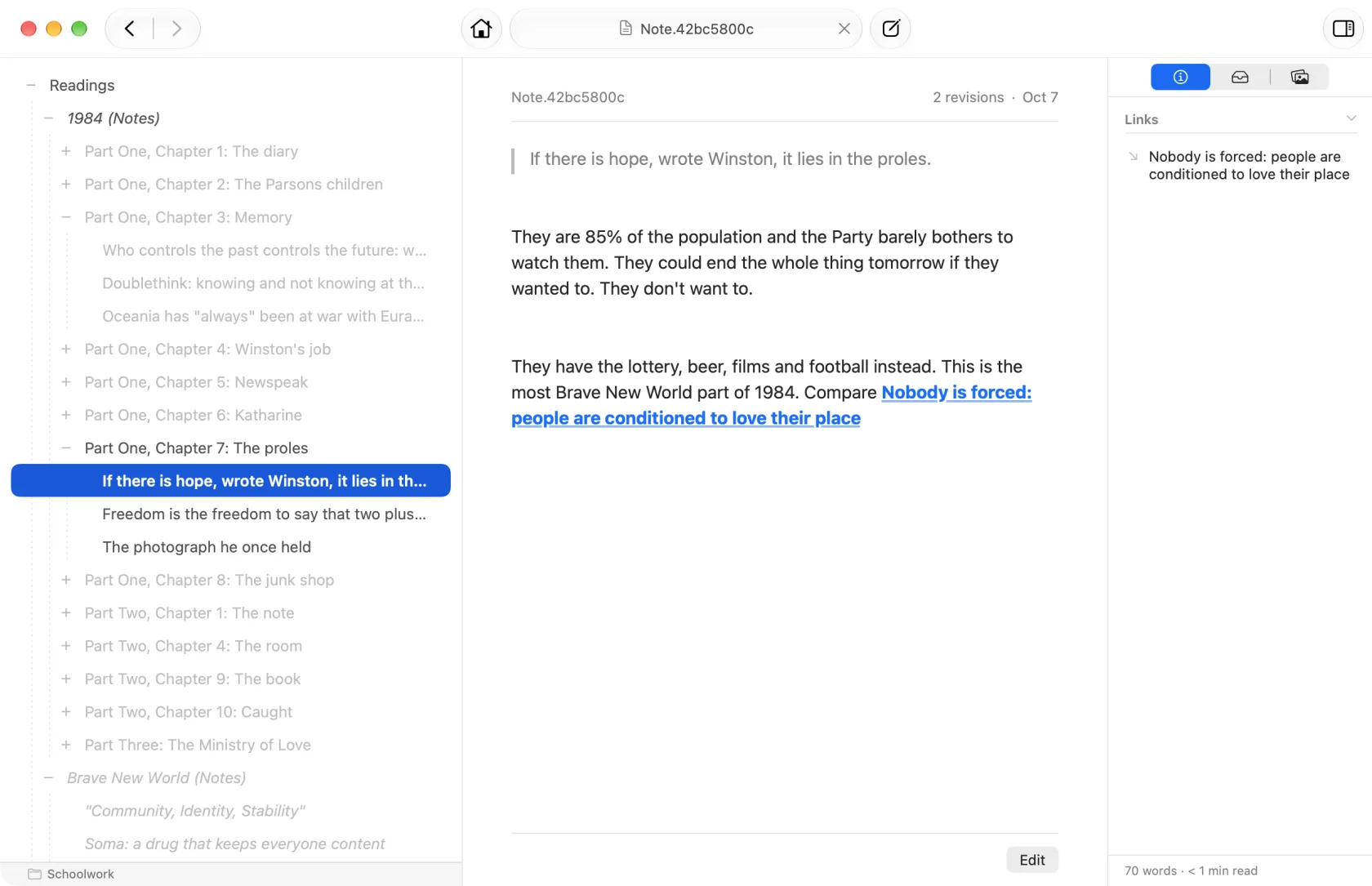
- Wiki-style links still work if you prefer typing them, and any note alias mentioned in a note’s body is automatically rendered as a clickable link.
Collections
- A note’s outgoing links, ordered, form its Collection. Conceptually it’s a list of outlinks; visually it’s presented as a list of sub-notes underneath the parent in a linear order which you can rearrange.
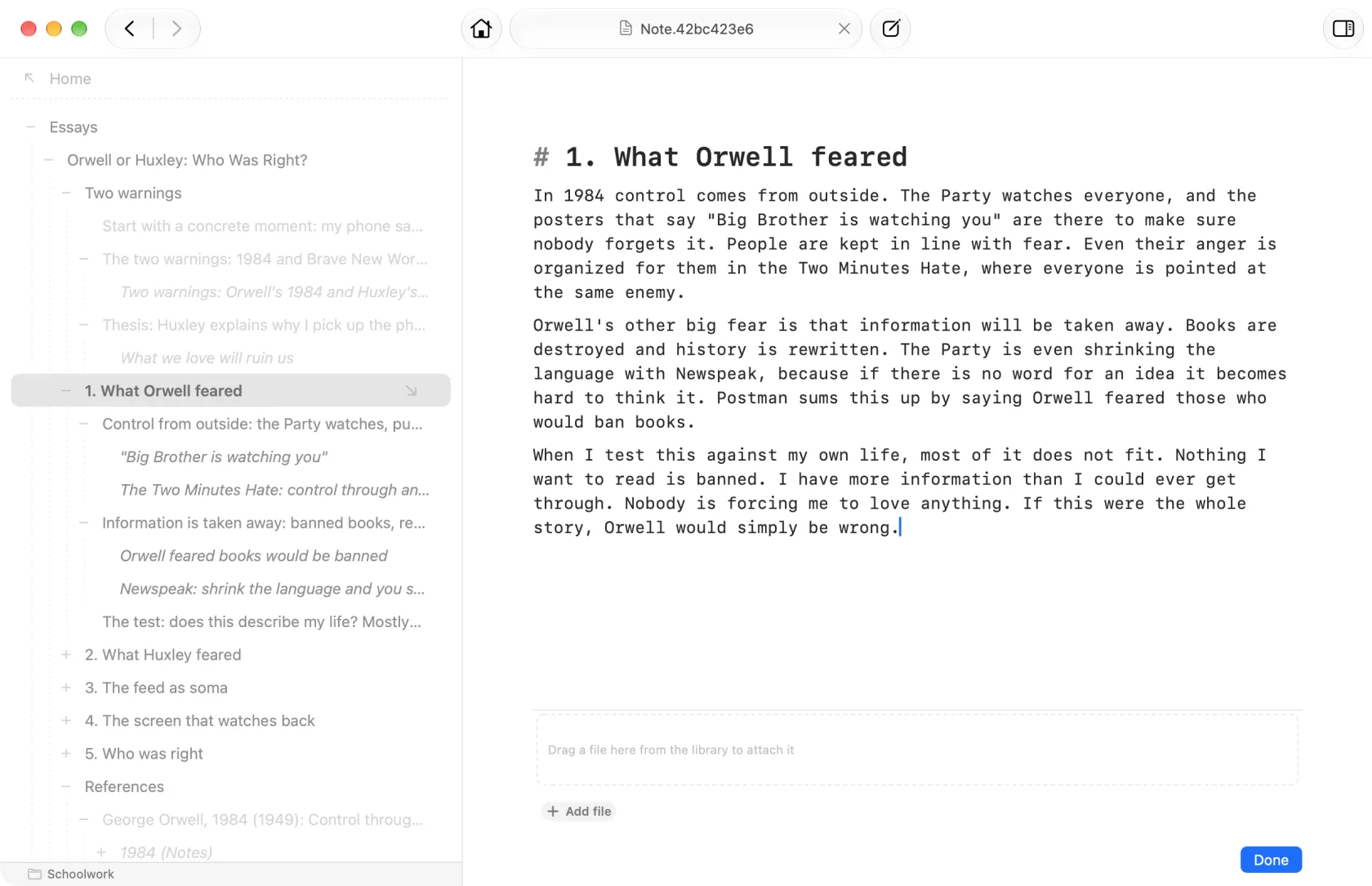
- Each “sub-note” in a Collection is technically a transclusion — the same note rendered inline, editable in place. Copying a note to a Collection doesn’t duplicate it nor move it. It creates a link to the note, but it appears embedded in the list as a sibling to the other notes.
- The same note can appear in any number of Collections at once, in any position. Removing it from one Collection unclips the link; the note itself is untouched.
- This gives Understory a hybrid of a graph and an outline view: the underlying structure is a graph, but at any moment you’re reading an outline of one note and its outlinked children. When you dive into one its children, you view its Collection of children, like an outline view might work. (In the screenshot above, we are viewing the note page for Note.41efd9009.3 which is a note on the book Subliminal. Beneath it is a collection of notes related to the book.)
- Related notes can be grouped into a Collection under a super note which describes the collection, but because every link is a transclusion, notes don’t “live” in any one collection.
Backlinks
- A note’s References are its backlinks: every other note whose Collection includes it.
- A note can be linked just by typing its address in another note, like
Note.41ebd0940and these “mentions” are also treated as backlinks and shown.
Emergent categories
- Trailheads — notes with no parents but with children. Entry points into a region of thinking.
- Strays — notes with no parents and no children. Stray notes aren’t necessarily a bad thing. Because the app doesn’t force you to create folders to home your notes, it’s encouraged that you create lots of these “orphan” notes. Eventually notes can be moved into Collections as good associations are discovered.
- Bookmarks — notes you’ve flagged for fast retrieval. Since the app dispenses with official “starting pages” or a tree structure, this is how to keep track of notes you’re working on currently.
Multiple filters (not all shown) are available to automatically categorize notes. Strays are shown here, which are notes that have no outbound links and no inbound links.
Navigation
- The search bar is the single navigation surface, modeled after a browser’s address bar — back/forward history, locations you can copy and paste, the whole metaphor.
- It also borrows from Notational Velocity: results update live as you type, so search and navigation are the same gesture.
- Typing a note’s alias jumps to it. Typing a keyword (with many filters available —
trails:,wander:,bookmarks:, and others) switches the view. Otherwise it’s a full-text search.
Tags and markers
- Hashtags are typed inline in note bodies as
#tag. Aggregated automatically into ahashtags:view. - Ref Markers give you the ability to create anchors in the text from which you can link elsewhere. These are created by typing a string of the form
Ref.xxx. These are aggregated into amarkers:view.
Reader Mode (aka Wander)
- A reading mode that hands you a daily-shuffled selection of your own notes.
- Marking a note Read gives it a 24-hour cooldown before it can reappear (configurable).
- Reshuffles at midnight, so each day you have a fresh set of notes at the top.
Interface
- The UI is deliberately minimal: an editor and a search bar do most of the work, with the rest of the app revealed through progressive disclosure — context menus, drag gestures, keyword filters, and keyboard shortcuts surface as you go.
- The intent is for Understory to feel obvious on day one and grow more powerful the longer you use it.
If you know Zettelkasten
This app is inspired by Zettelkasten. I’ve tried to shape it to match the feeling of Zettelkasten, but I’ll admit I’m no expert! Here’s how I see Zettelkasten concepts map onto Understory:
- Cards → Notes. Like index cards, notes are the atom of the system. They’re small, self-contained, and addressable by ID. A real-world index card never needed a filename; a note here doesn’t either.
- Numeric IDs → aliases. Every note has a unique address (e.g.
Note.41ebd0940) — opaque, never reused, assigned automatically. - Folgezettel → Collections. Folgezettel let Luhmann insert a card adjacent to related ones, giving each card a neighborhood visible from its ID. Collections do the same job more flexibly: you can place a note among its neighbors with a drag, the order is preserved, and because every child is a transclusion, the note isn’t forced to live in only that neighborhood. The spirit of Folgezettel — put related ideas next to each other — is preserved. The mechanical artifact of encoding position into the ID becomes unnecessary.
- Cross-references → links. A link doesn’t live inside the note’s text the way
[[wiki syntax]]does — it’s a separate record connecting two notes, and a note can be linked from any number of other notes. There is no canonical home. - Backlinks and transclusion → effortless context-switching. In a physical Zettelkasten, jumping from a card to every other card that references it requires the cards to maintain their own backlinks by hand. Understory tracks this automatically. Because the same note can be transcluded into many Collections, opening it once gives you every context it appears in — one click per context, with no manual cross-reference upkeep.
- Structure notes / MOCs → curated Collections. Build a synthesis note by making its Collection the list of source notes. Because children are transcluded, the synthesis literally contains its sources inline.
- The reread habit → Reader Mode. “Wander” which is what I call the apps Reader Mode lets you stumble on notes you wrote a while back by giving you a shuffled list of your notes that you can mark as read.
Benefits I’ve discovered so far with this architecture
- Capture stays fluid. One of my main aims was to make creation of a note simple. With no title, folder, or note type to choose, it’s super easy to create a new note.
- “Where does this belong?” dissolves. A note belongs wherever you’ve linked it, in any number of Collections at once.
- Drag and drop and copy-paste to create collections is nice. Since every paste of a note into a collection is effectively creating a link, it’s very easy to create links between notes without having to edit a wiki-style link. (Some might say that links should have a justification and creating it in the text forces you to think of the reason for the link, but I prefer a fast and fluid free-association style of connecting things.)
- Transclusions encourage atomic notes. If you create a note and don’t have a home for it, that’s okay. You can always “home” it later and even then, because everything is a transclusion, no home is a note’s permanent home, so you don’t feel the strong tie that a note in a folder or in an outline tree would have.
- Atomic notes make reviewing ideas easier. The reader mode in the app shuffles up all your notes and lets you mark them read, sort of like reviewing a flashcard deck. Because of the scattered nature of notes, we can review each piece of information outside of its context (the collection). The collection still gives a form to the association of multiple notes into a ordered list, but a note is not strongly tied to that association.
Things I’m still figuring out
- No fixed home feels weird. Because the app does not use a fixed tree structure or a folder system with a natural root folder, it can be confusing at first to use the app. Notes are easily found by switching filters (use Recents to see recently-modified notes) or by searching using the search bar and getting immediate results on each keystroke. However, it does feel disorienting at first.
- Transclusions are novel but still working out how to use them well. I only have a couple hundred notes and have put some notes in multiple lists, but homing notes in multiple lists is turning out to be somewhat the rare case. That said, there are still cognitive benefits (IMO) to note strongly associating a note with a particular tree or folder structure.
Status
Understory is still in ongoing development. Mac only for now, and an iOS client is planned. Syncs to your iCloud storage, so no custom service needed.
If you’re interested in helping beta test it, contact me using the email below.